The Problem
A Complicated Workflow
The current workflow consists of infinite chrome tabs, and un-organized lists of references and ideas.

Google Docs: Thoughts
The feeling of staring at a blank white page is haunting for students and writers alike. Like any text-editor, Google Docs suffers from this paralyzing experience.
The Foundation
Researching a variety of different students and writers exposed that, often times, Google Docs users have strong ideas, but a fear of 'messing up' keeps them at bay.
The Problem
The current workflow consists of infinite chrome tabs, and un-organized lists of references and ideas.
The Solution
Thoughts integrates directly into Google Docs, acting as a distinct mode just like Suggesting, Commenting, or Editing.
The Solution
Thoughts can be dragged and dropped around the main board. They can also be given category/colour tags. On the thought itself, are several cues for creating connections, copying data, or editing the content itself.
The Solution
Connections can be made between Thoughts, linking shared content. At the same time, Thoughts can be directly linked to elements of your document.
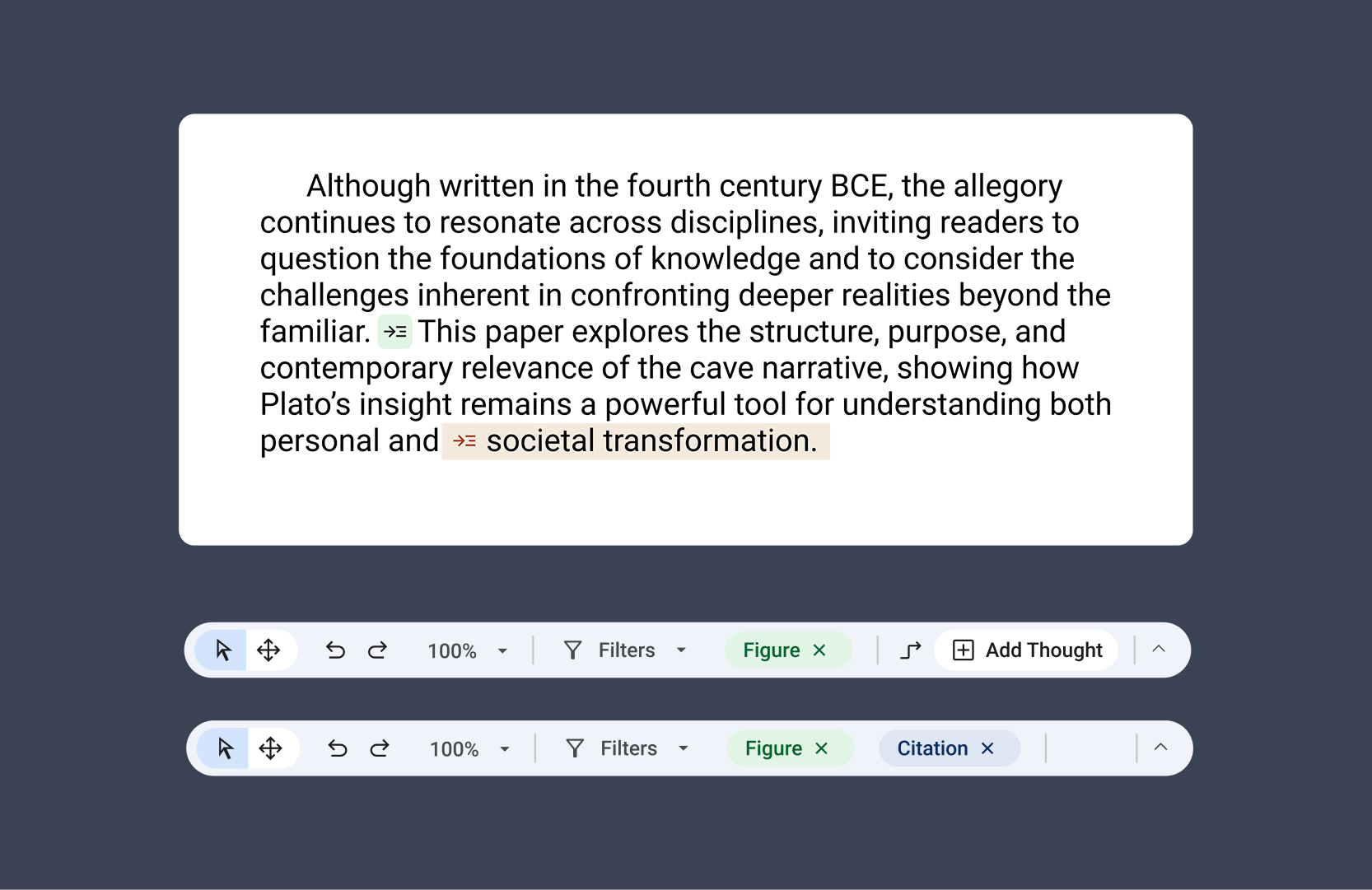
Selecting phrases from your document helps you relay content with your ideas. References are placed where they need to be, and figures all have a space to live.
Reflection
Feature design only truly works if there is a clear need from the user base for something new. Combining both Figma prototypes and After Effects motion design allows me to showcase the true functionality and tangibility of interactions without coding.